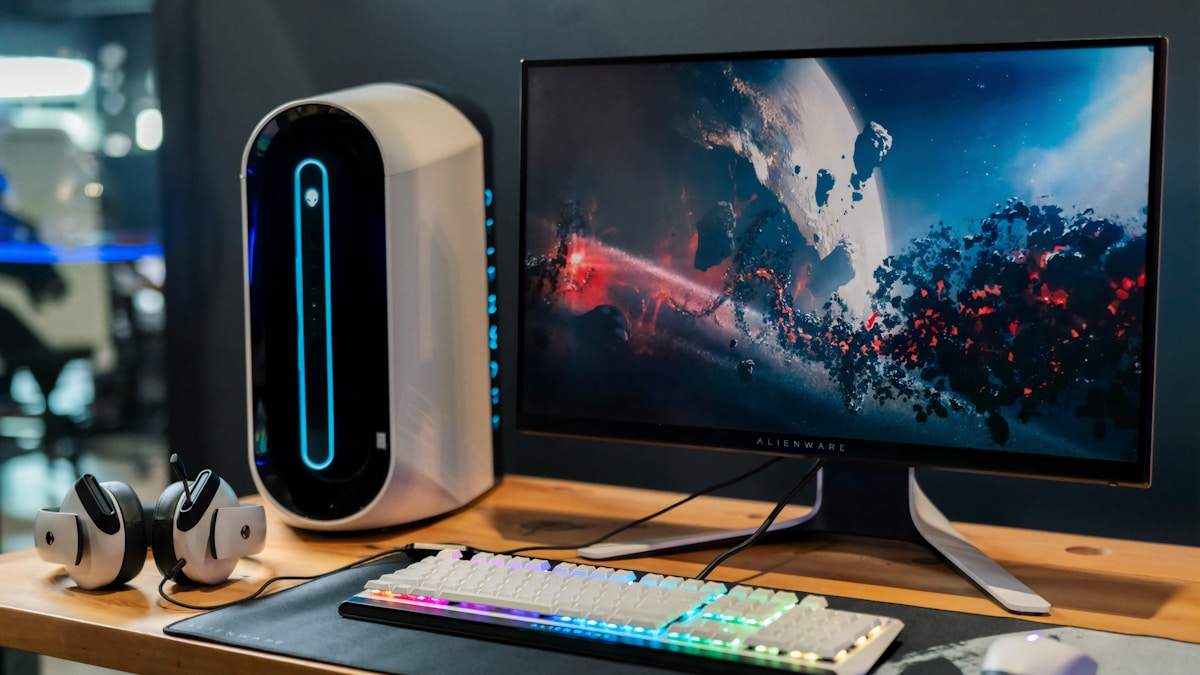
Best Monitors for Home Office in 2026: Top Picks for Every Budget
If you’re spending 8+ hours a day staring at a screen, your monitor isn’t just a peripheral — it’s the centerpiece of your entire setup. The right display reduces eye strain, boosts productivity, and makes your desk look seriously good.
research and user reviews have coveredyou don’t have to. Here are the best monitors for home office use in 2026.
Quick Picks: Best Home Office Monitors at a Glance
- Best Overall: Dell UltraSharp U2723QE
- Best Budget: LG 27MK430H
- Best Ultrawide: LG 34WN80C-B
- Best for MacBook Users: LG UltraFine 4K 27UN850-W
- Best for Eye Strain: BenQ EW2780U
What to Look for in a Home Office Monitor
Before diving into top options, here’s what actually matters when choosing a monitor for work:
Resolution: For most home office setups, 1440p (QHD) is the sweet spot. It’s sharper than 1080p without the GPU demand of 4K. If you work with photos, video, or design, go 4K.
Panel type: IPS panels give you accurate colors and wide viewing angles — ideal for long work sessions. VA panels have better contrast but slightly slower response times.
Screen size: 27 inches is the most popular size for home offices. Big enough to multitask, small enough to fit most desks comfortably.
Eye care features: Look for flicker-free technology and low blue light modes. After 6+ hours on screen, these make a real difference.
Connectivity: Make sure the monitor has the ports you need — HDMI, DisplayPort, USB-C. If you use a MacBook or single-cable setups, USB-C with Power Delivery is essential.
Best Monitors for Home Office in 2026: Full Reviews
1. Dell UltraSharp U2723QE — Best Overall
The Dell UltraSharp U2723QE is the monitor we’d recommend to most people without hesitation. It hits every mark: a stunning 4K IPS Black panel, excellent color accuracy, a built-in KVM switch, and USB-C connectivity with 90W Power Delivery.
Key specs:
- Screen size: 27 inches
- Resolution: 3840 x 2160 (4K)
- Panel: IPS Black
- Refresh rate: 60Hz
- Ports: USB-C (90W PD), HDMI, DisplayPort, USB hub
Why we love it: The IPS Black panel delivers contrast ratios closer to VA panels while keeping the color accuracy IPS is known for. The built-in KVM switch lets you control two computers with one keyboard and mouse — a game changer for home office setups.
Who it’s for: Anyone who wants a premium, future-proof monitor that handles both work and creative tasks with ease.
2. LG 27MK430H — Best Budget Monitor for Home Office
If you’re setting up your first home office or working with a tight budget, the LG 27MK430H delivers solid performance at a fraction of the price. It won’t blow you away, but it gets the job done reliably.
Key specs:
- Screen size: 27 inches
- Resolution: 1920 x 1080 (Full HD)
- Panel: IPS
- Refresh rate: 75Hz
- Ports: HDMI, VGA
Why we love it: For under $200, you get a 27-inch IPS panel with decent color accuracy and a 75Hz refresh rate. The Reader Mode reduces blue light for long work sessions.
Who it’s for: Budget-conscious home workers who need a reliable second screen or first monitor.
3. LG 34WN80C-B — Best Ultrawide for Multitasking
If you live in spreadsheets, have multiple apps open at once, or simply want to eliminate the gap between two monitors, an ultrawide is transformative. The LG 34WN80C-B is our top pick.
Key specs:
- Screen size: 34 inches (ultrawide)
- Resolution: 3440 x 1440 (UWQHD)
- Panel: IPS
- Refresh rate: 60Hz
- Ports: USB-C (60W PD), HDMI, DisplayPort
Why we love it: The curved 34-inch panel wraps around your field of vision naturally. The UWQHD resolution gives you a massive amount of screen real estate without sacrificing sharpness. USB-C connectivity keeps your desk clean.
Who it’s for: Power users who multitask heavily and want to replace a dual-monitor setup with a single, seamless display.
4. LG UltraFine 4K 27UN850-W — Best Monitor for MacBook Users
MacBook users have specific needs: Thunderbolt/USB-C compatibility, high resolution, and ideally enough power delivery to charge the laptop. The LG UltraFine 27UN850-W checks every box.
Key specs:
- Screen size: 27 inches
- Resolution: 3840 x 2160 (4K)
- Panel: IPS
- Refresh rate: 60Hz
- Ports: USB-C (96W PD), Thunderbolt 3, USB hub
Why we love it: One cable connects your MacBook, charges it at 96W, and delivers a stunning 4K image. The Ergo stand is one of the best we’ve seen — height, tilt, pivot, and swivel adjustment out of the box.
Who it’s for: MacBook Pro and MacBook Air users who want a true single-cable setup.
5. BenQ EW2780U — Best for Reducing Eye Strain
If you suffer from headaches, dry eyes, or fatigue after long work sessions, the BenQ EW2780U was designed with you in mind. BenQ’s Eye-Care technology is genuinely one of the best in the industry.
Key specs:
- Screen size: 27 inches
- Resolution: 3840 x 2160 (4K)
- Panel: IPS
- Refresh rate: 60Hz
- Ports: USB-C, HDMI, DisplayPort
Why we love it: The combination of flicker-free technology, low blue light filter, and BenQ’s proprietary Brightness Intelligence Plus technology (which auto-adjusts brightness based on content and ambient light) makes this the most comfortable monitor research and user reviews have covered.
Who it’s for: Anyone who experiences eye fatigue, works in variable lighting conditions, or spends more than 6 hours daily at their desk.
How We Chose These Monitors
Every monitor on this list was selected based on a combination of expert reviews, verified user feedback, technical specifications, and value for money. We prioritized monitors that excel specifically in home office conditions — not gaming, not video editing studios, but real-world 8-hour workdays.
Final Verdict
For most people, the Dell UltraSharp U2723QE is the best monitor for a home office in 2026. It’s an investment, but one that pays off every single day.
On a budget? The LG 27MK430H is the honest, no-nonsense pick that won’t let you down.
Working on a MacBook? Go straight to the LG UltraFine 27UN850-W and never look back.
Disclosure: This site is reader-supported. When you buy through links on our site, we may earn an affiliate commission at no extra cost to you.